Analytics accounts have always had spam, especially in the events section. Waves of direct traffic with zero session duration and a near 100% bounce rate aren't new either. However, since November 2016, uncommon languages have appeared in several Google Analytics accounts.
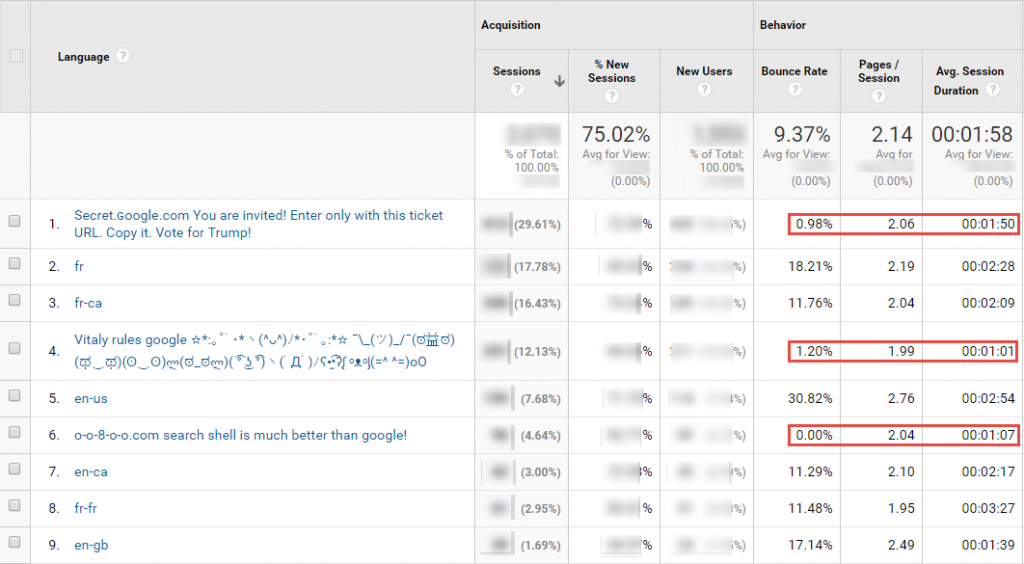
Spam is not new in Google Analytics: it is erratic traffic, concentrated on certain days and which never triggers any conversion.

But unlike regular spam, this new type of spam is harder to detect. The related metrics make it appear more similar to real traffic from humans like you and me (unless we're a bot). We had previously observed that spam traffic was made up of hits unique per session, which causes 99.9% bounce rate reports, an average session duration that never exceeds 1 second, a single page per session... Yet in this case, the numbers don't lie, it's This is clearly spam: much lower than average bounce rate, erratic traffic. The change here is visible on the number of page views, which impacts the bounce rate and session durations, which thus resemble more human traffic. Spammers have therefore improved their algorithms to make them more human!
This type of traffic can sometimes skew the data significantly over certain periods, so it is important to protect against it by adding a filter on the language setting at the view level. Here's how:
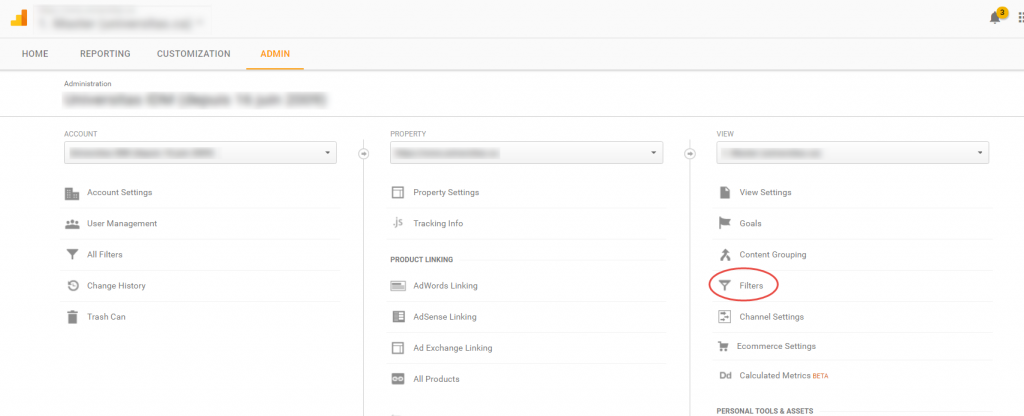
- Log in to Google Analytics, then click on Admin, then go to the filters section:
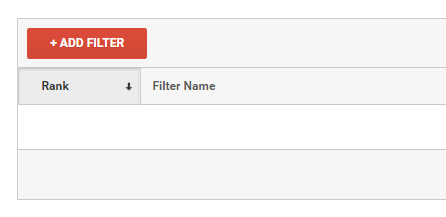
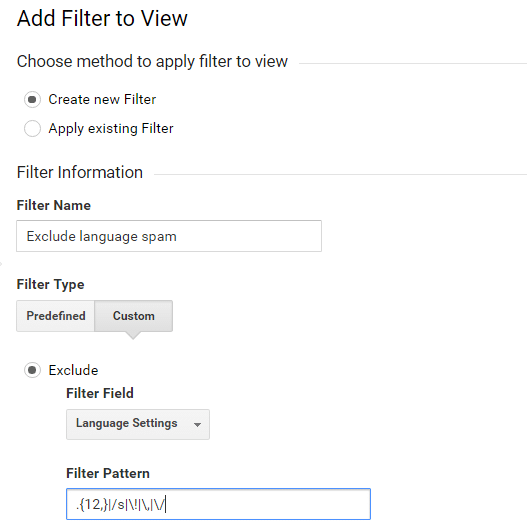
Click on add a filter, and fill it like this with the following regular expression: .{12,}|/s|!|,|/
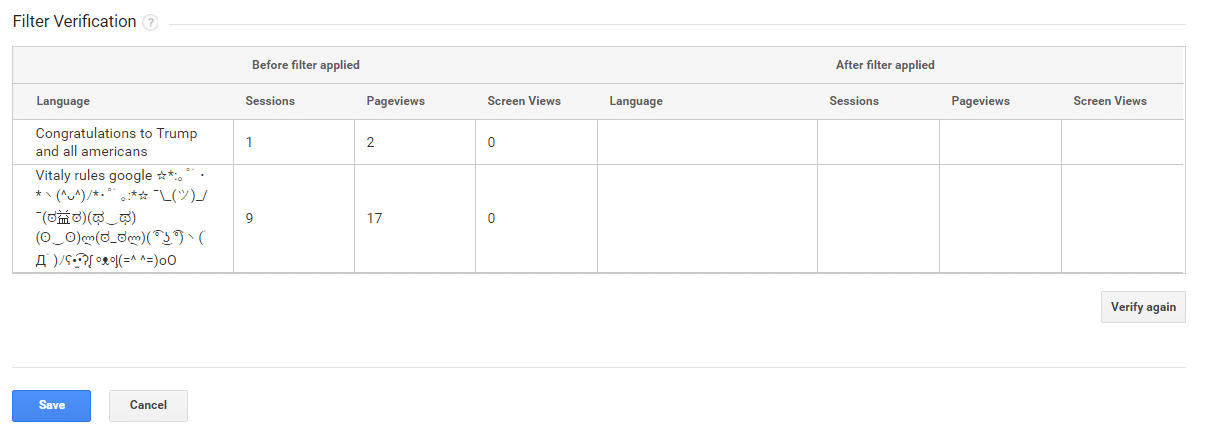
Then check that your filter works as expected by clicking here:


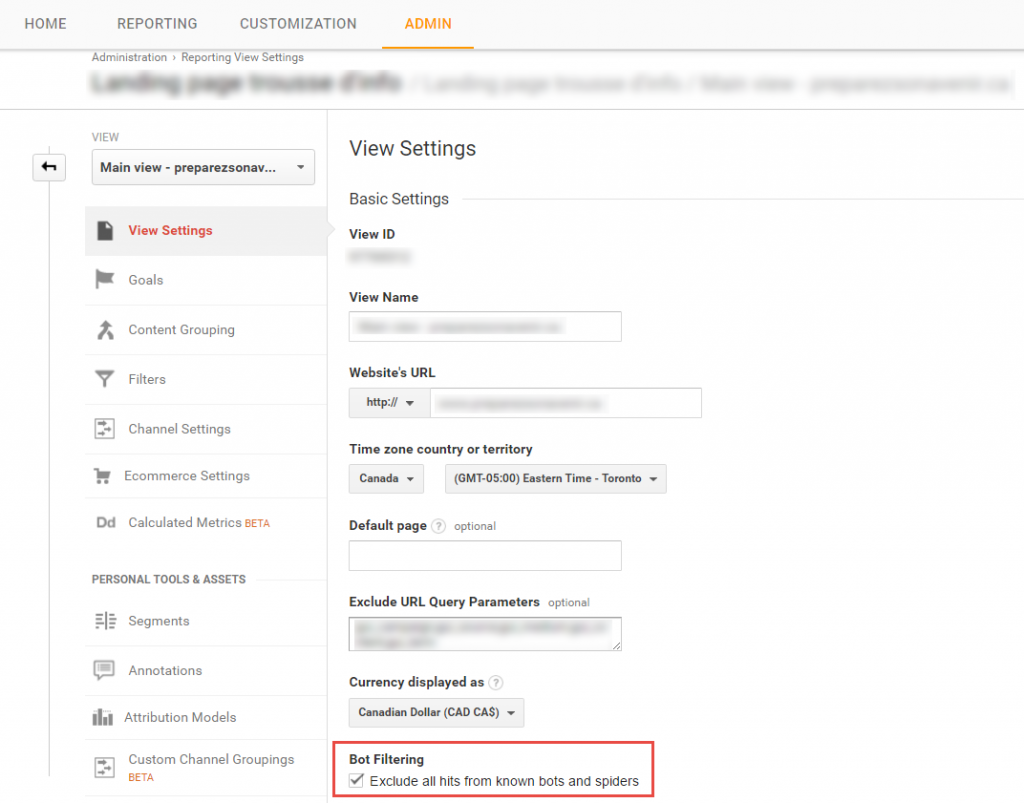
et qu’il filtre les bonnes données :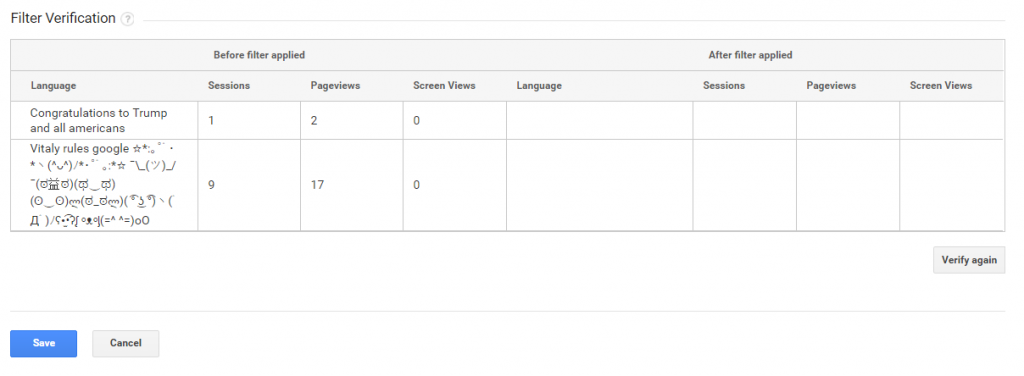 Click save and the filter will activate. Remember that filters only apply to future data. For the analysis of periods where the filter was not present, it is preferable to use a segment. Finally, don't forget to check the robot exclusion box offered by Google, which is always effective in addition to regularly updated filters!