
On March 30, your company's Facebook page will change forever . The timeline format will be mandatory for all business pages. However, this format has been implemented for users for a few months now. It shocked millions of Facebook users when it launched, and now it's brands' turn to embrace Facebook's changes and adapt to their new realities. Here are the important points to be ready for change!

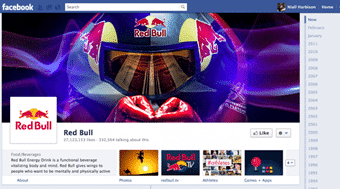
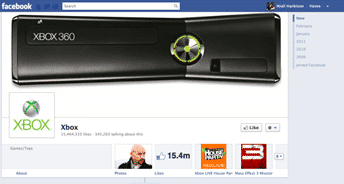
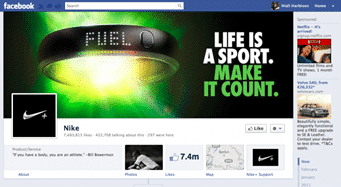
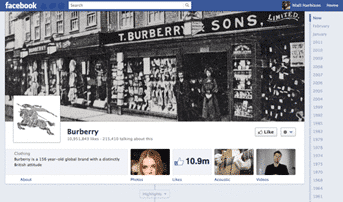
New application width
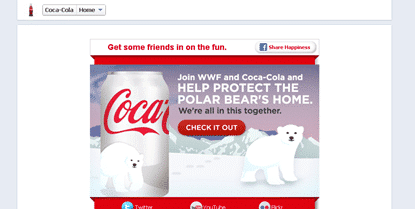
Applications are not spared by Facebook's changes: their width can be 810px or 520px (the current format). This choice will be made in the creation of the application, but we can say that the small format makes the application feel very lonely and isolated in the new format.
New tiles for your apps
The top of the page will limit the display to 4 thumbnails. These correspond to applications from Facebook or created by the page. The application icon will become much larger since it will appear in large format (111px by 74px). It will therefore be important to communicate more information about your applications through these tiles. Also, the limit of total visible apps will now be set to 12, other apps will no longer be visible to users.
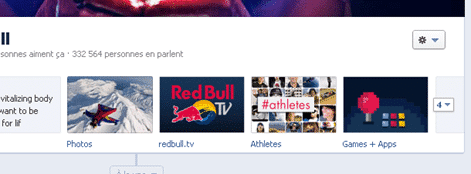
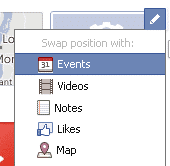
However, it will still be possible to change the order by modifying their location thumbnail by thumbnail:
NEW FEATURES
The statistics of the pages open to all
With the implementation of the timeline for Pages, most popular age group, most popular city, number of new likes per day, and number of active fans per day will become publicly available data. We can say that the curious will get their money's worth.
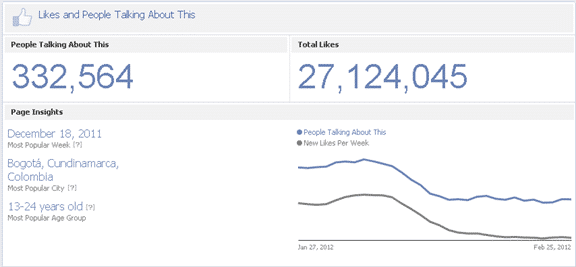
Figure 1: Example of RedBull: https://www.facebook.com/redbull/likes
Communicate the story of your brands
It will be possible to add events prior to the current date on the new pages. You will be able to tell the story of your brand through the important dates of its growth.
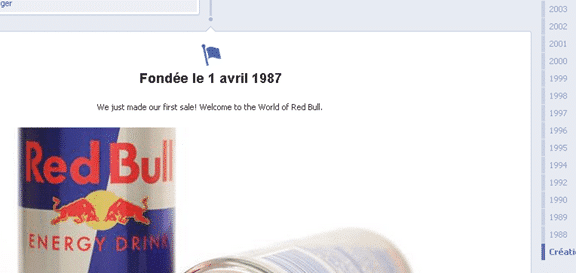
Unable to change visitor landing page
It will no longer be possible to change the default landing page for non-fan visitors to your page. It will now be necessary to encourage people to visit a URL directly.
A new administration panel to manage differently
The Page admin panel will now be located at the top right and will open to your cover photo.
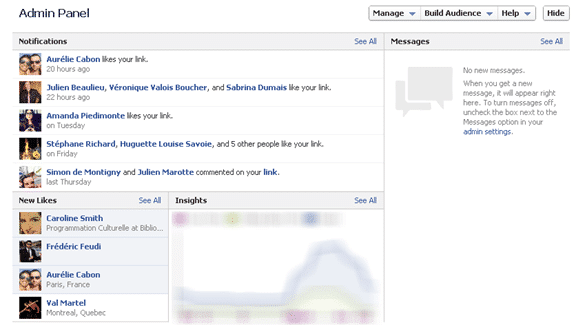
This will allow you to see new notifications, new fans, and insights at a glance . Additionally, for those who have enabled the Pages messaging option, it will now be possible to see the latest posts on that page.
Highlight certain posts
It will be possible to highlight certain publications by pinning them to the top of the page. This way they will be visible for up to 7 days at the top of the page. Use when the page needs to make important announcements.
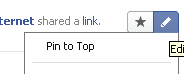
Another way to highlight a post is to “highlight” a post by clicking on the star. This will allow the post to take up the full available width of the timeline .
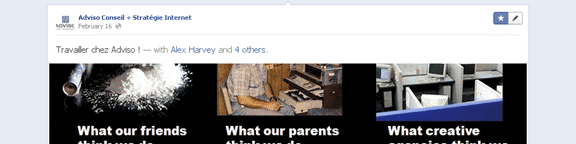
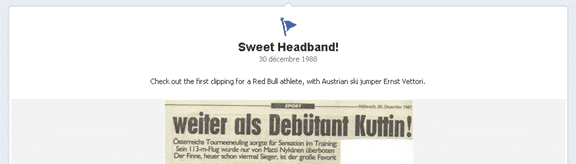
The creation of milestones
To relate all the important facts that have influenced your brand, it will be possible to add a milestone which will take up more space on the timeline and which will attract the attention of your subscribers.
Bonus: Ability to change page name more easily
This option seems to have been added recently at the following address: https://www.facebook.com/help/contact_us.php?id=262629790471076 . It's not clear yet if the method is effective or not, but I believe it will appeal to many people.
2 nd Bonus: Possibility to communicate directly with brands
It is now possible for users to communicate directly with Facebook pages. By clicking on the “Message” link on a page, the user sends a private message to the brand's administrators in the same way as a private message. Gone are the days of asking to send an email!
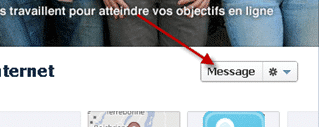
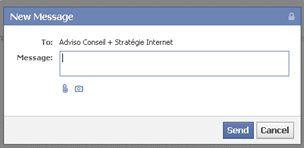
Here is the resulting message for the page:
-png-1.png)
And for the user:

Thomas

Facebook Instant Article: the novelty that is changing the face of the Web
Big news in the media industry this week: Facebook closed a partnership with media giants including the New York Times, BuzzFeed, and National Geographic to host the publishers’ content directly on the social network’s servers. These articles will be presented in a new format, called Instant Articles, and will provide a better reading experience for users.
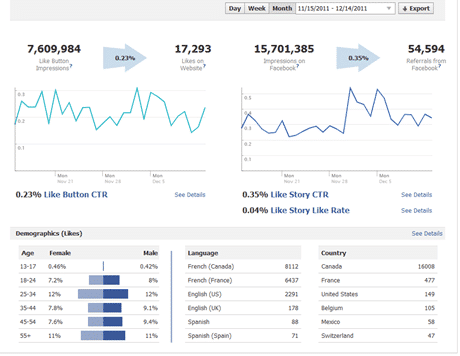
How and why to add Facebook insights to your website
Did you know that Facebook offers a tool to analyze the viral properties of your website on Facebook? Indeed, Facebook allows you to install the same statistics tool on websites as on pages: Facebook Insights . THIS TOOL ALLOWS YOU TO SEE, AMONG OTHER THINGS: The number of impressions of your web pages on Facebook The number of times visitors like the article out of total visitors The number of impressions of your articles on Facebook following shares The number of organic shares of the article on Facebook (without going through the Facebook "share" button) Demographics of users who have shared your articles Facebook Comments usage statistics (number of comments / impressions) Media-type sites, sites with a lot of daily content, and blogs will have the greatest benefit from using this tool to analyze the social media reactions of their content over time. Data from Facebook Insights compiled with data from Google Analytics will allow for even more comprehensive insights into the most po …
-Apr-02-2026-08-24-01-1577-PM.jpg)
Facebook: the possibilities for your business
With nearly 8 million Canadians on Facebook (about a quarter), this social network has really managed to reach the uninitiated. Users also use it very deeply with an average of 18 daily visits. Yes, yes, I said correctly 18. What are the possibilities offered by the platform? I was at Facebookcamp in Montreal on November 2 and we were about 200 advertisers or developers who had or had not had experiences for their customers with Facebook. The conclusions drawn here come from this event as well as the experiences made at Adviso with our clients.